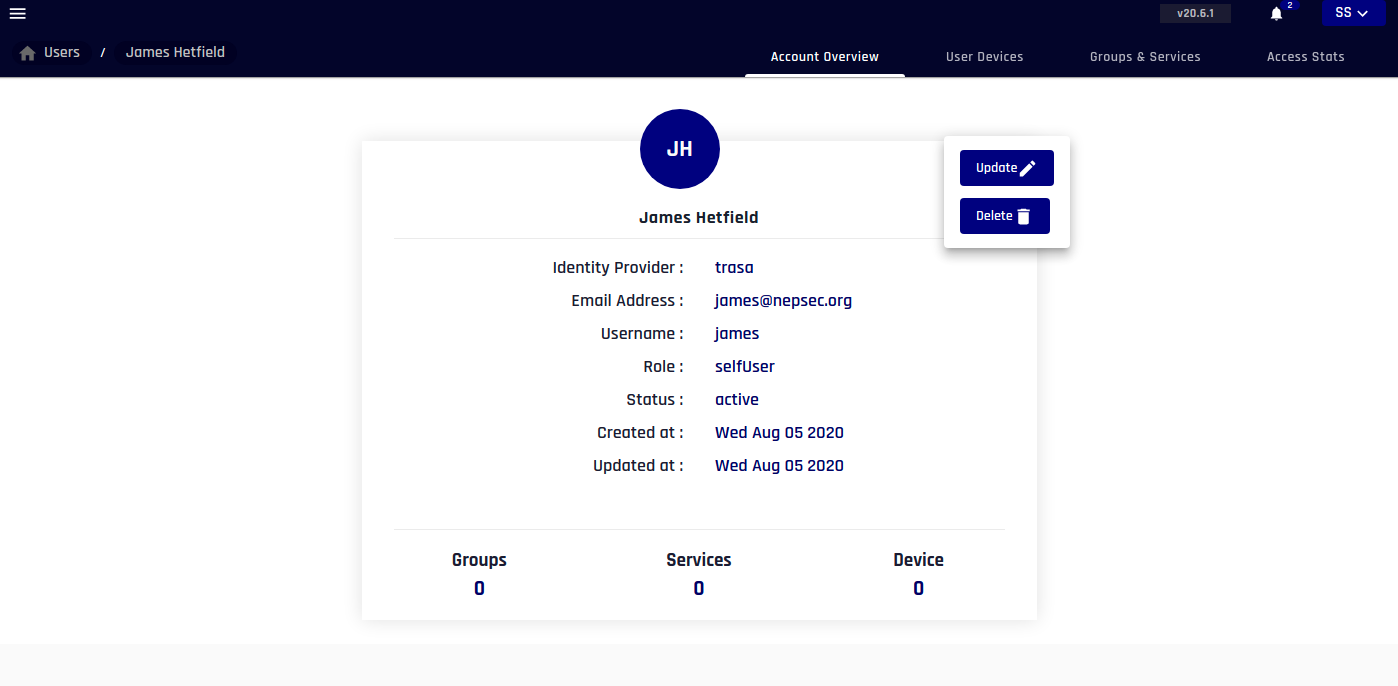
Creating and updating Users
Creating User
TRASAGATE IDP is builtin default user identity provider.
info
TRASAGATE expects unique email and username across the organization.
tip
Assign short and easy to use username. Emails are usually lengthy, so short usernames come in handy while signing in.
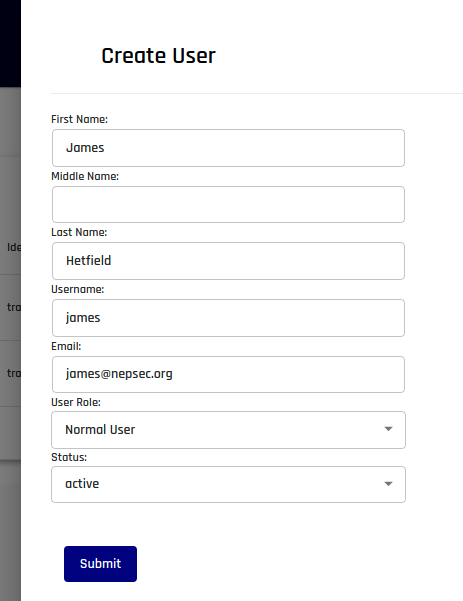
- Head over to users page and click Create User button.
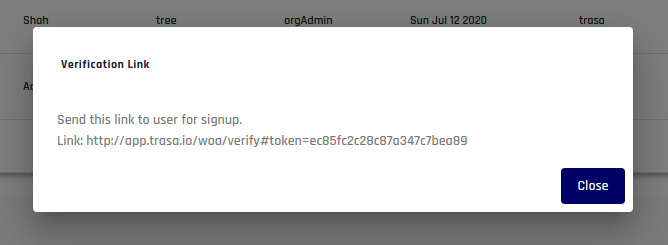
- If your request is successful, the user will receive an account activation link via email. Though immediately, you will also receive a link that you can share with the user.
Sample of a user profile
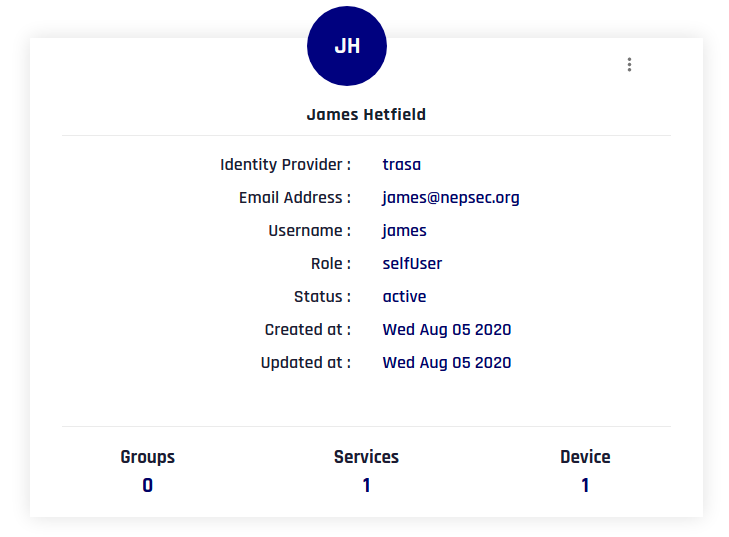
Updating or deleting user
- You can update the user profile by clicking on
:menu icon in user profile card.