Radius Server
For software and hardware appliance to which you do not wish users to access through TRASAGATE access proxy, or to protect protocols currently not supported in TRASAGATE access proxy, you can integrate with TRASAGATE radius server to enforce two-factor authentication and policies.
To add native two-factor authentication and enforce TRASAGATE policy to software and hardware appliance that do not support agent integration, radius authentication is preferred to protect those systems. These systems may include database servers, network devices such as firewalls, router, and switch.
How does it work?
TRASAGATE has a built-in radius server. To add radius authentication, you will
- Need to create a radius service profile in TRASAGATE (radius server) and
- Configure radius authentication in software or appliance (radius client).
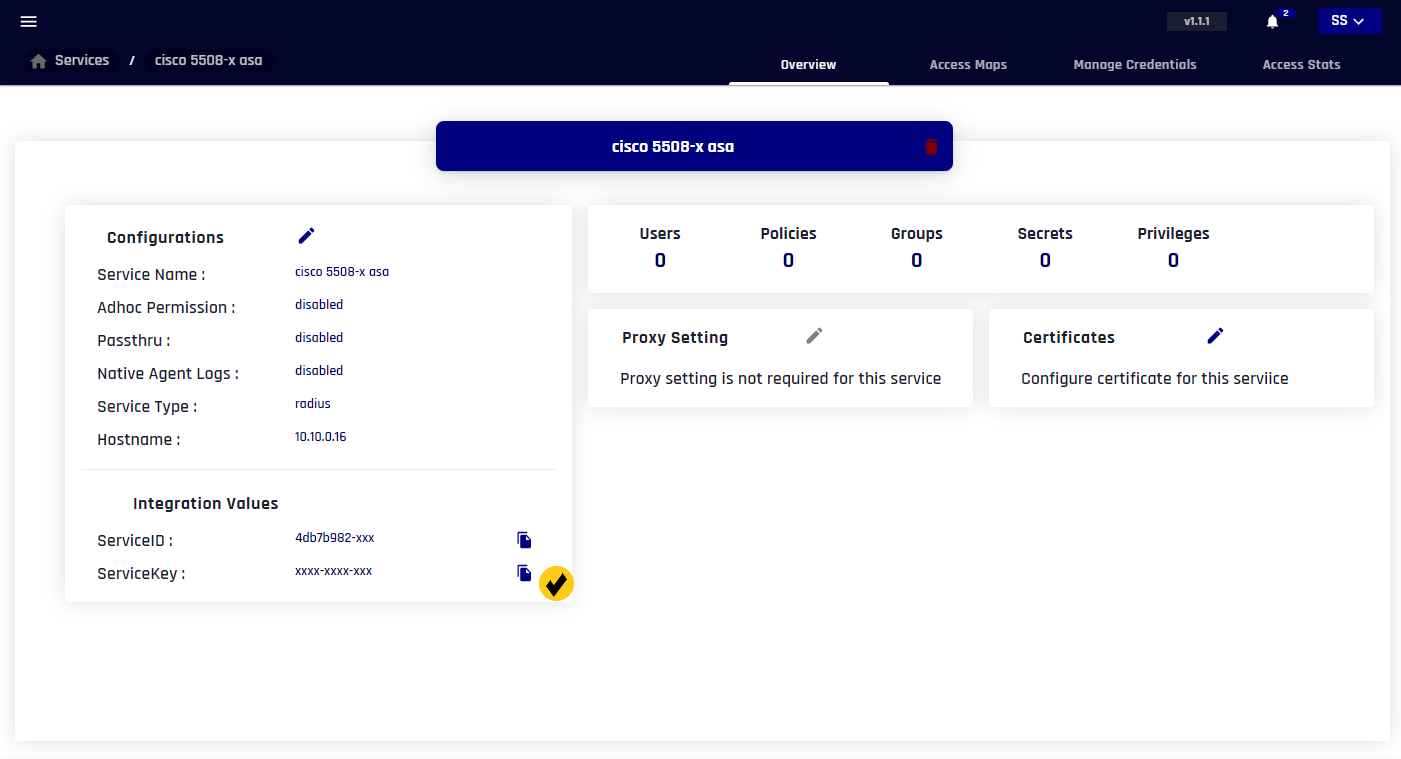
- This guide will show you how you can add a radius server profile in TRASAGATE.
Radius client configuration depends specifically on software or appliance in context but usually requires creating a radius authentication group with a radius configuration.
Creating radius service profile in TRASAGATE
Adding TRASAGATE as radius server in radius client (system you want to protect)
On radius client, you will be required to supply:
- RADIUS server address: This will be
Hostname/IPof TRASAGATE server - Radius server port:
1812 - Shared Secret: Service key of radius service. Copy this value from service profile (reference image below).